
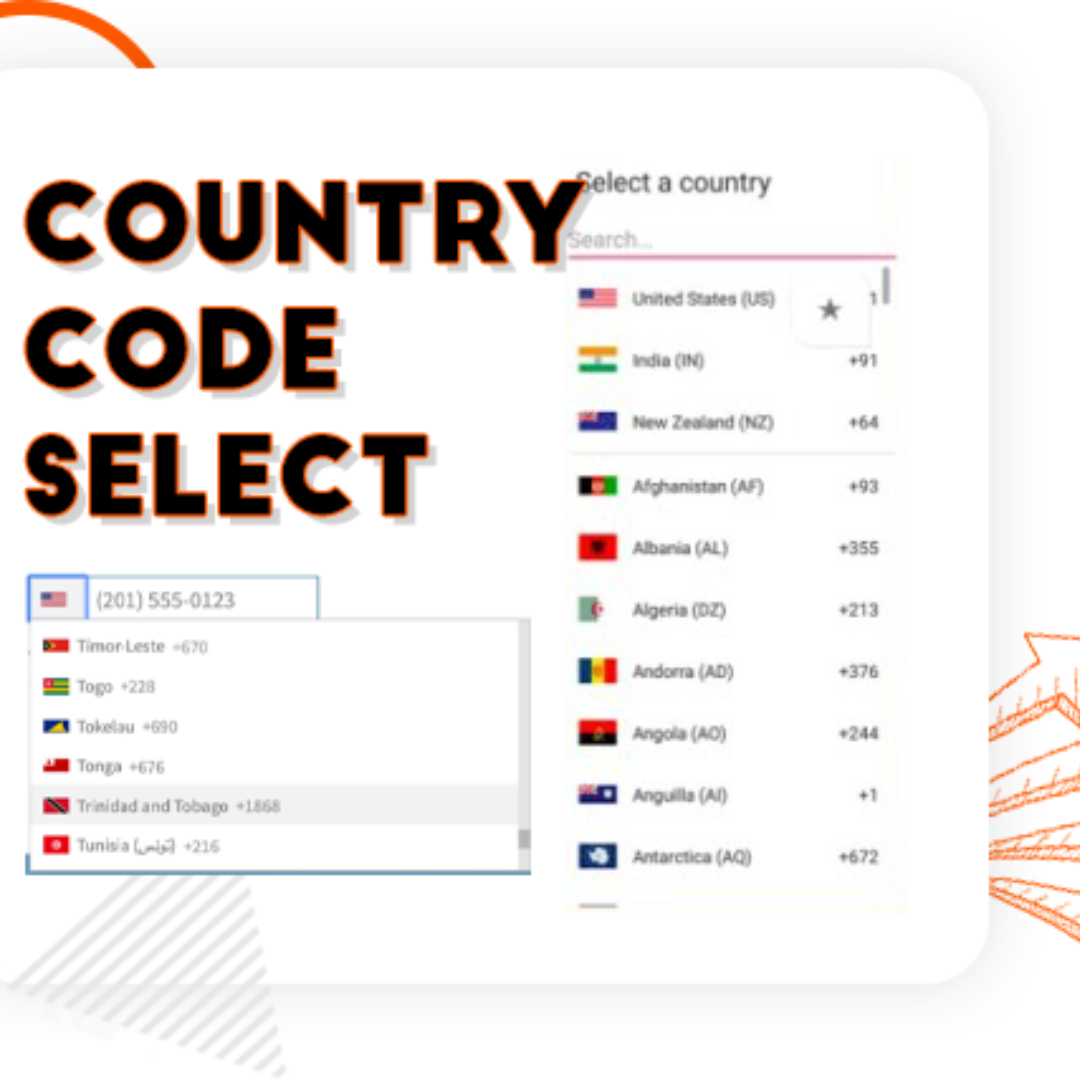
Country Code Form Telephone Field
Country Code For Elementor Form Telephone Field
Original price was: ৳ 749.00.৳ 299.00Current price is: ৳ 299.00.
- Special PriceGet extra 31% off
- Special PriceGet extra 31% off
- Special PriceGet extra 31% off
- Special PriceGet extra 31% off
Free Plugin Features:
- Seamless Integration with Elementor Forms: This ultimate Elementor addon helps users enter valid mobile numbers by selecting the correct country dial code before typing their phone number. It ensures properly formatted data, improves form validation, and reduces errors in contact forms, booking forms, registration forms, and more.
- Show Only Selected Countries: Limit the dropdown to display only specific countries. For example, if you only want to show Canada, India, United States, and United Kingdom, simply enter their alpha-2 codes in the Tel field settings like:
ca,in,us,gb. - Exclude Specific Countries: Show all countries but hide a few by entering their alpha-2 codes (e.g.,
af,pkremoves Afghanistan and Pakistan). - Set a Default Country: Preselect a default country code when the form loads.
- Control Dial Code Visibility: Show or hide the dial code while users type their phone number.
- Strict Mode Validation: Enable strict mode to block invalid numbers or extra digits based on the selected country.
- Compatibility with Hello Plus: This addon also works with the Hello Plus form lite widget. If you are creating forms using Elementor Free with Hello Plus, you can still add an international dial code dropdown to the phone field using this ultimate addon.
Reviews
There are no reviews yet.